Why will the SAFRA mobile app only operate on Android 13 and above?
Devices operating on Android 12 and below are more vulnerable to security risks as they no longer receive security updates from Google. When there are no regular security updates, new flaws remain unaddressed and attackers can exploit them to install spyware, steal your data and take control of your devices.
Our utmost priority is to ensure data protection and security for our SAFRA mobile app users. For the small group of users who cannot access the SAFRA mobile app, they can still access most of the same functionalities on the m.safra.sg web portal to minimise any inconvenience to them.
Will I still be able to download the mobile app from the Google Play Store?
If your mobile device is of Android 12 and below, you may not be able to see the SAFRA mobile app listed in the Play Store, or if it is visible, there will be an indication that it is not compatible for download.
I have updated my Android version, but still have issues logging in to the SAFRA mobile app. What should I do?
Check that your SAFRA account login details (Member ID / email address and password) are correctly entered. You can reset your password if required, via Forgot Password. If you are still unable to log in, you can try uninstalling and re-installing the app again.
Will the SAFRA mobile app for Apple devices (i.e. iPhones) be affected?
Apple devices operate on a different operating system. The SAFRA mobile app will continue to operate on iOS 13 and above, which provides adequate data protection and security.
How different is the SAFRA web portal to the SAFRA mobile app?
Most of the functionalities on the SAFRA mobile app are also available on the m.safra.sg web portal, except for Facility Capacity tracking and Nearby Benefits. There will also be differences in the user interface and navigation of both platforms.
How do I log in to the SAFRA web portal?
Access our web portal at https://m.safra.sg. Use the same account login details (Member ID / email address and password) as your SAFRA mobile app. If you have forgotten your member ID, you can click on Forgot Member ID to retrieve it. If you have forgotten your password, you can click on Forgot Password to reset it.
Where do I find my membership e-card?
 | 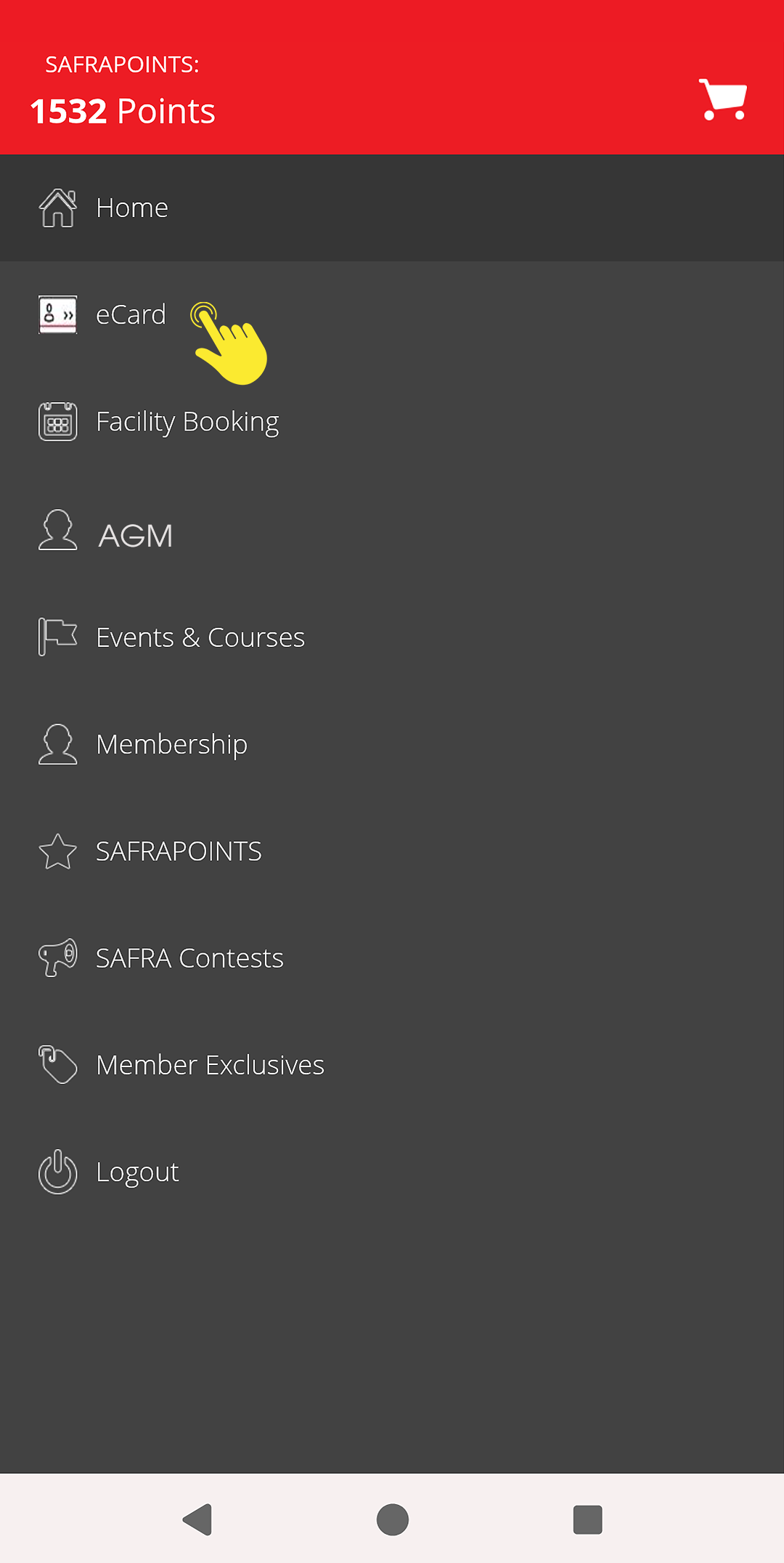 |  |
Step 1 
| Step 1 Tap on eCARD | Step 3 |
Where do I access e-vouchers, Treats & Deals and Movie Treats?
| 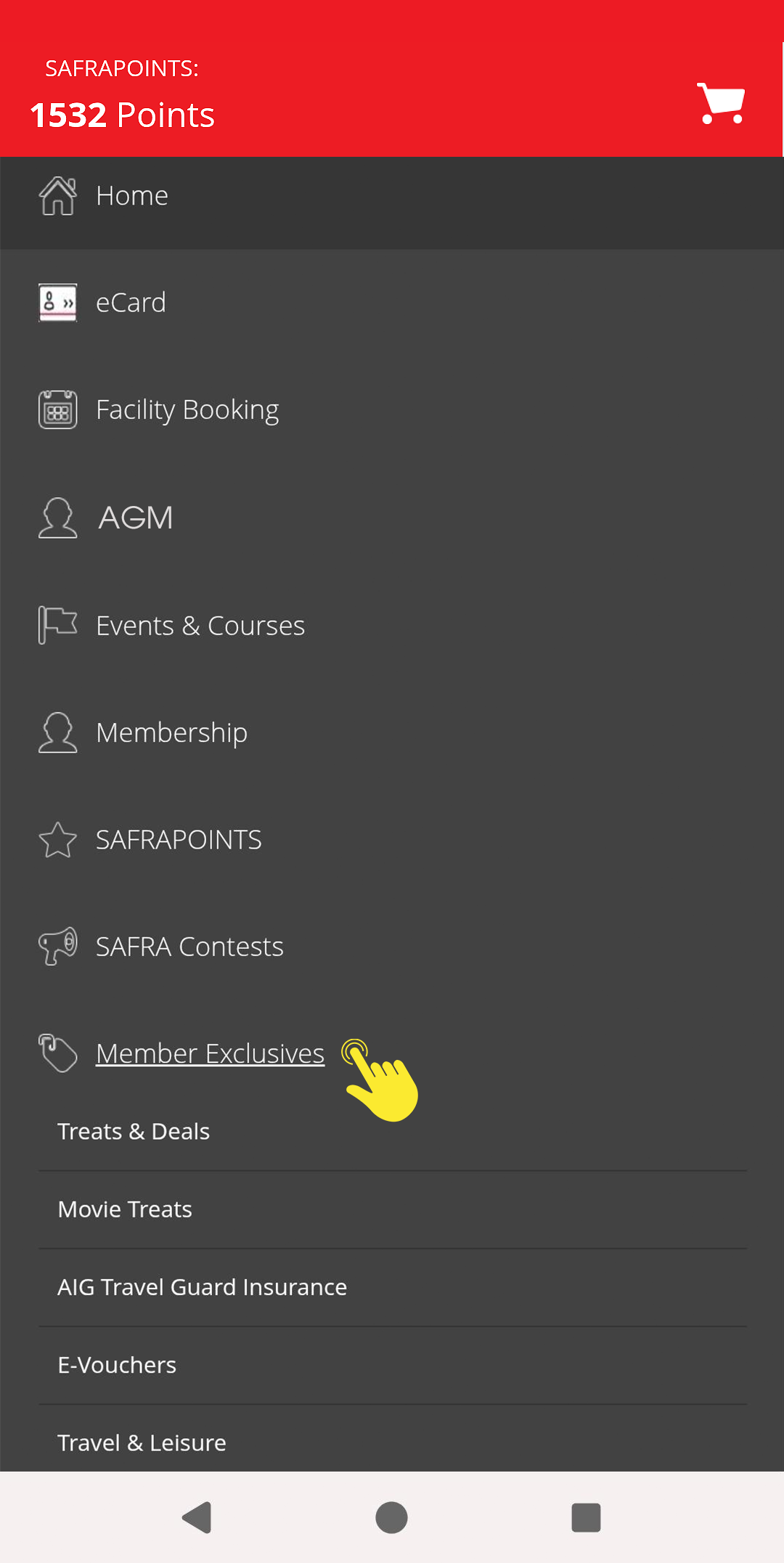 |
Step 1 | Step 2 |
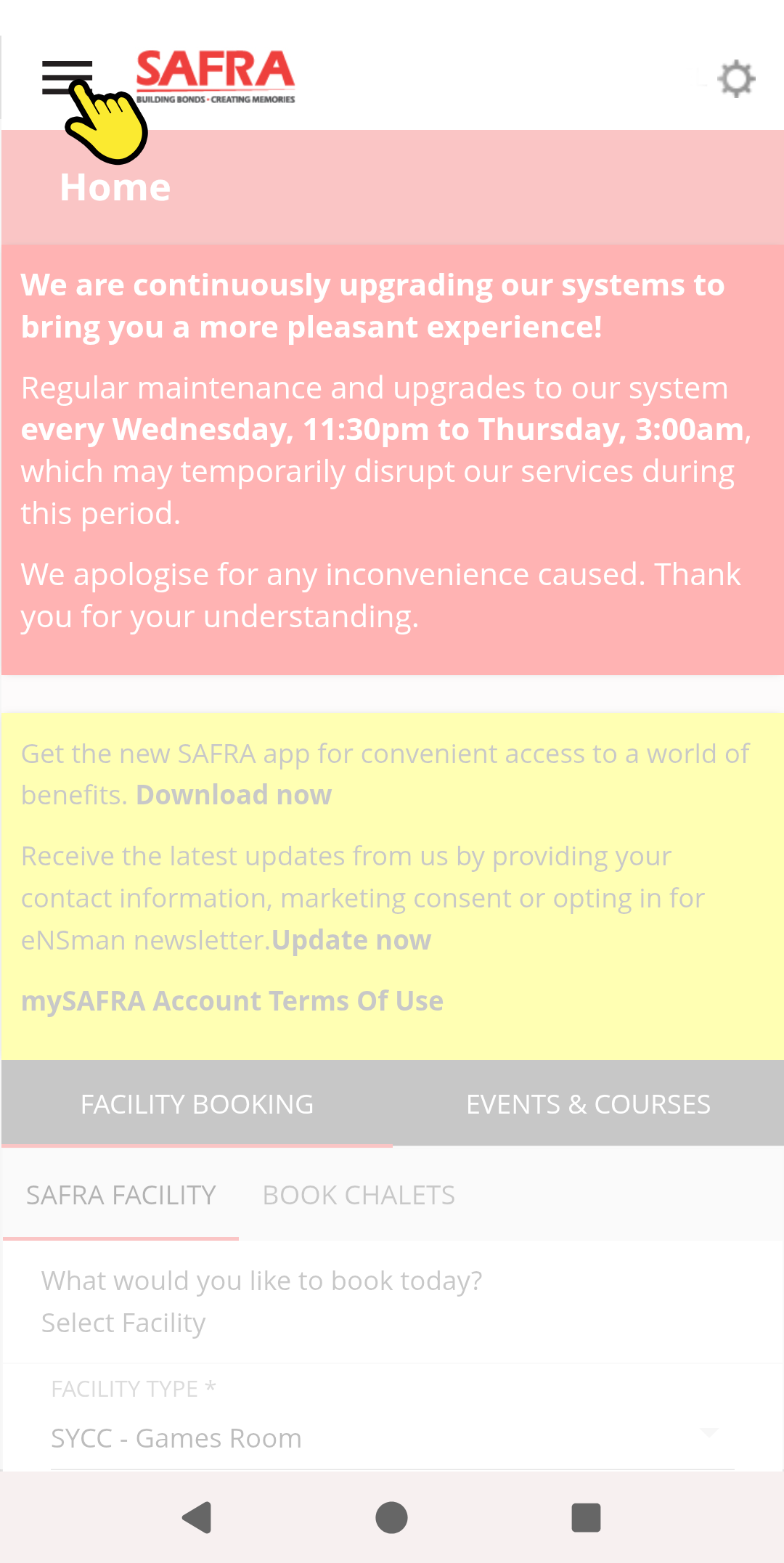
Where do I book facilities, register for activities and more?
You can also find these by tapping on the Menu icon.
|
Tap on the Menu icon |
Where can I get help?
Please contact us if you require assistance: